.png?width=210&height=44&name=Design%20ohne%20Titel%20(2).png)
Who of your colleagues you can see in your Team Calendar depends on several factors:
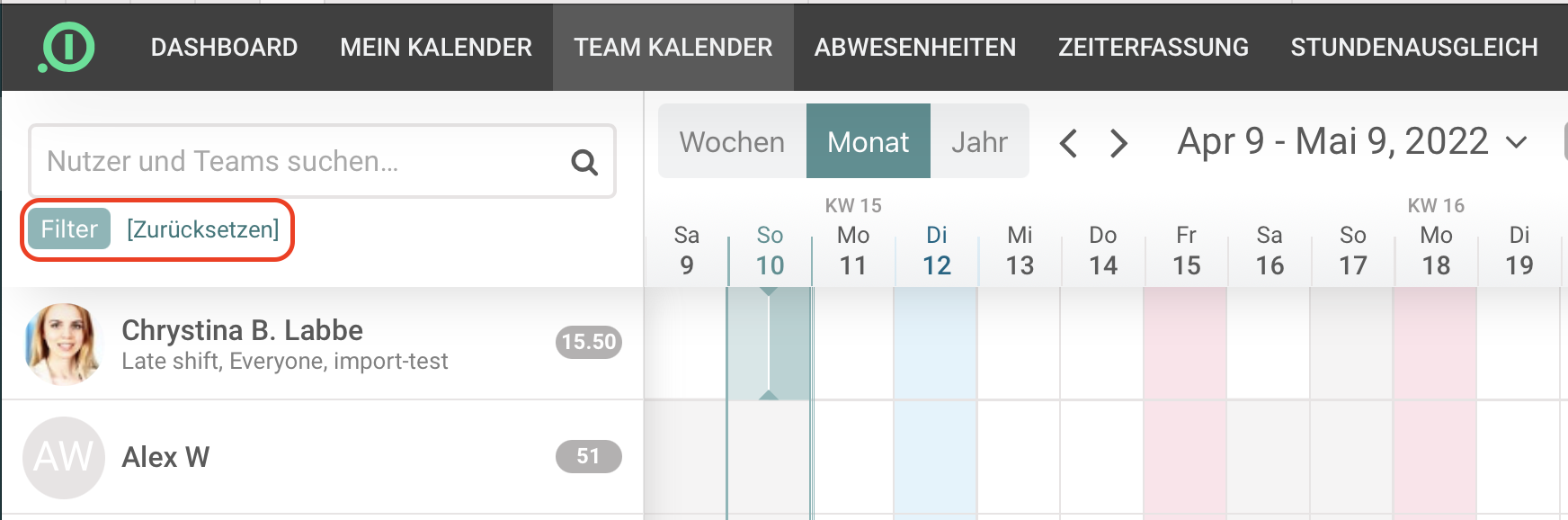
- Check your calendar filters on the top left side, under the search field.
- If you have a HR, admin or owner role, you will see every registered user of your company.
- For a better general view, it is possible to set filters and show users per department, team or location.
- Having a user role, you will only be able to see the colleagues of your own department or team.
To read more about user rights and roles, click here. To read more about Teams and Departments, click here.
Your absence.io team