.png?width=210&height=44&name=Design%20ohne%20Titel%20(2).png)
Do you have a discount code and would like to redeem it, but you're not sure where to enter it? No problem! In this article, we'll show you where Admins and Owners can redeem a discount code in absence.io.
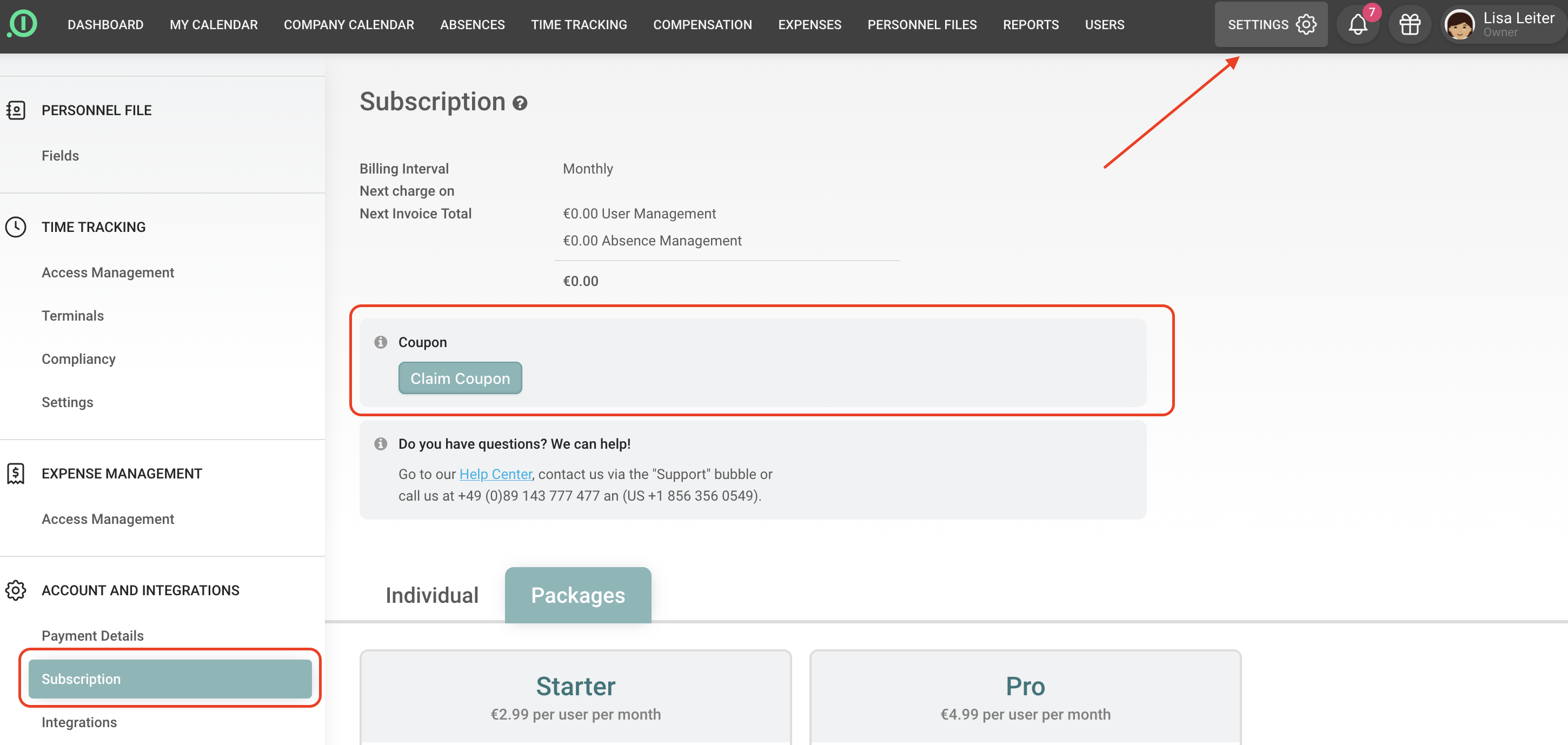
Go to the global Settings and navigate to Account & Integrations → Subscription. Above the available subscription plans, you'll find the "Claim Coupon" button.
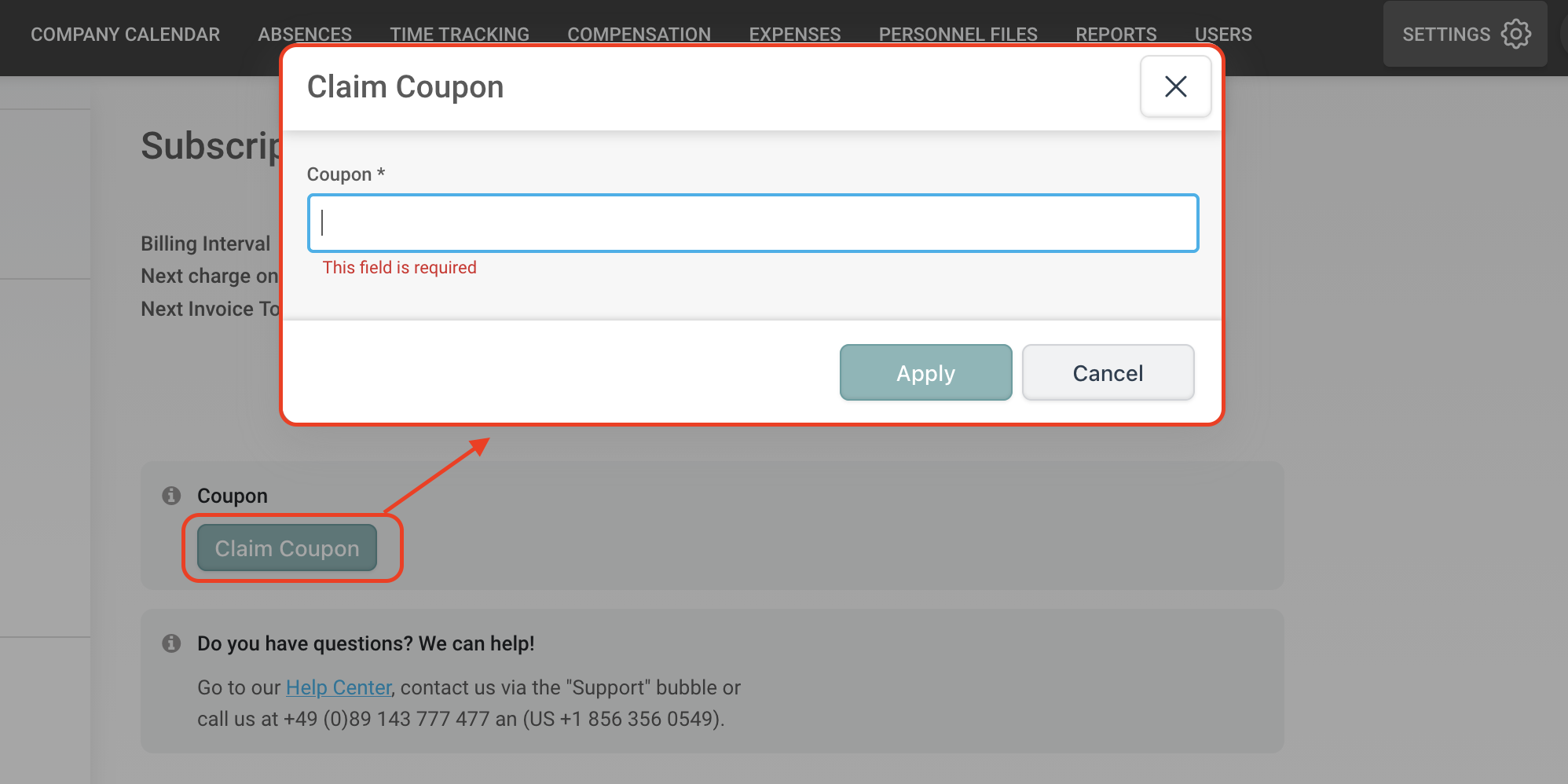
When you click this button, a window will open where you can enter your discount code. Once you click “Apply”, the code will be activated and the price will be adjusted accordingly. You can view detailed information about the voucher by hovering your mouse over the applied code.
Congratulations! You have successfully redeemed a discount with us.
Your absence.io team