.png?width=210&height=44&name=Design%20ohne%20Titel%20(2).png)
If your calendar synchronization stopped working, don't worry! Just follow these steps to reactivate it again (same troubleshooting for Microsoft 365 and Google Calendar):
Troubleshooting Option 1:
1. Go to your profile > integrations and deactivate the connection
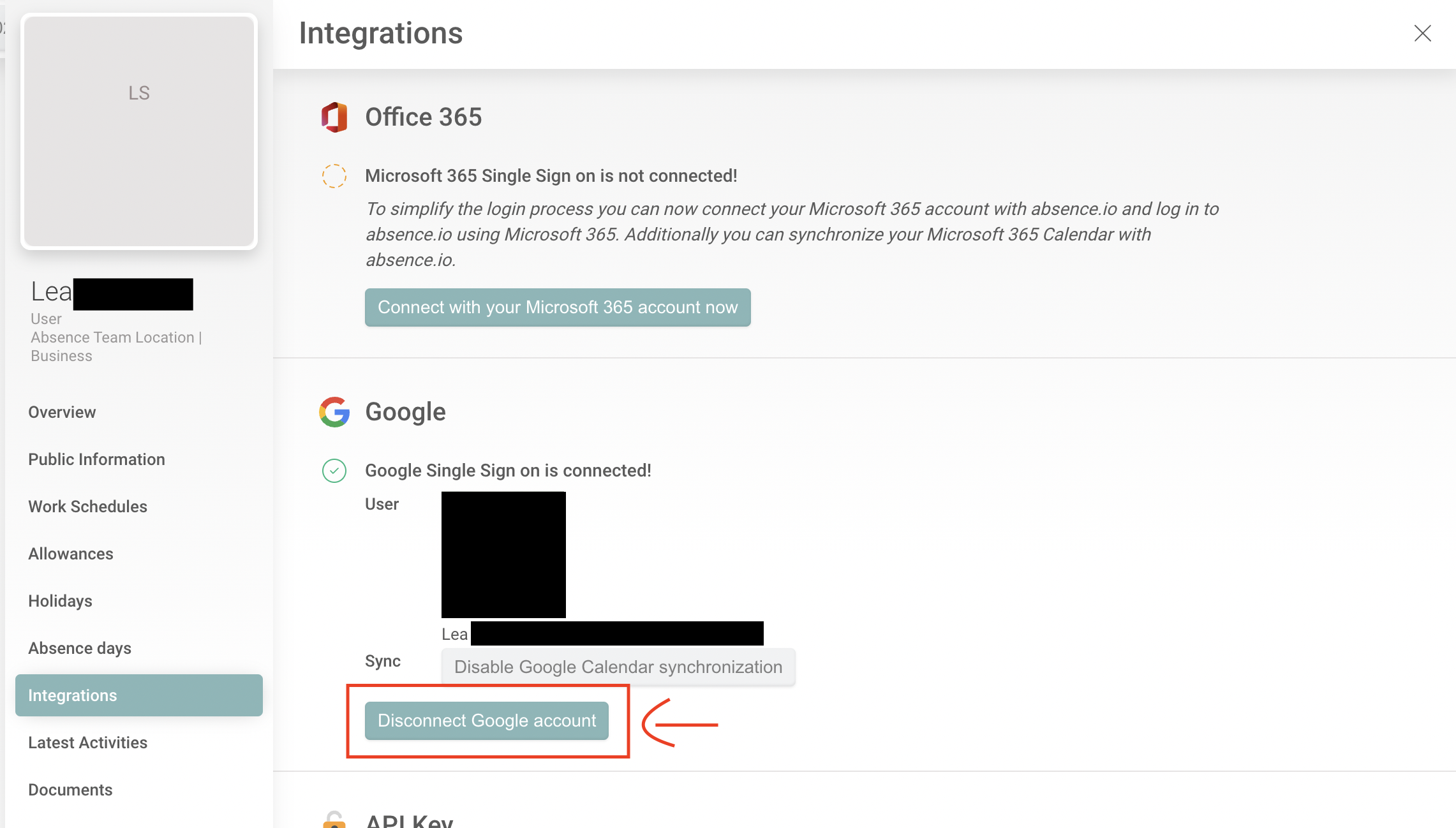
2. Delete cookies/cache, log out completely from absence.io if not already done, log in via SSO
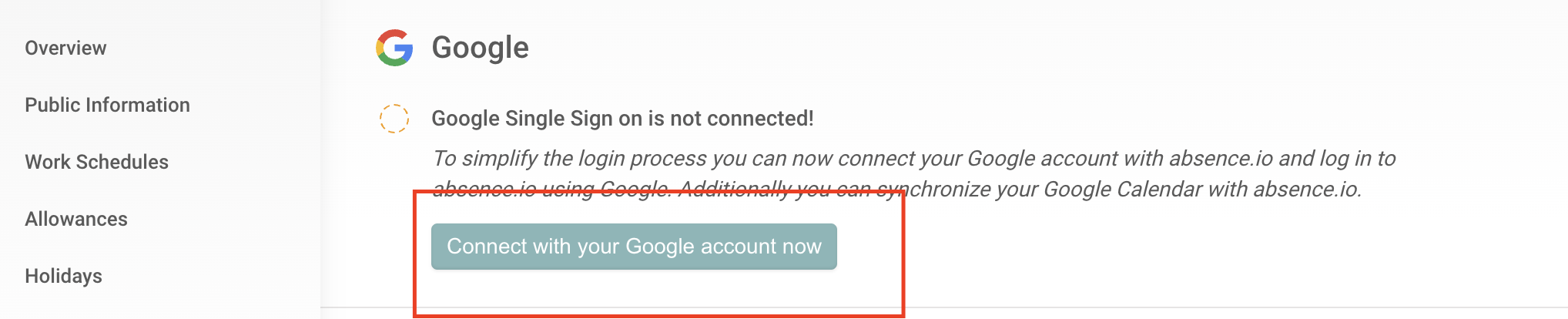
3. Connect the integration again
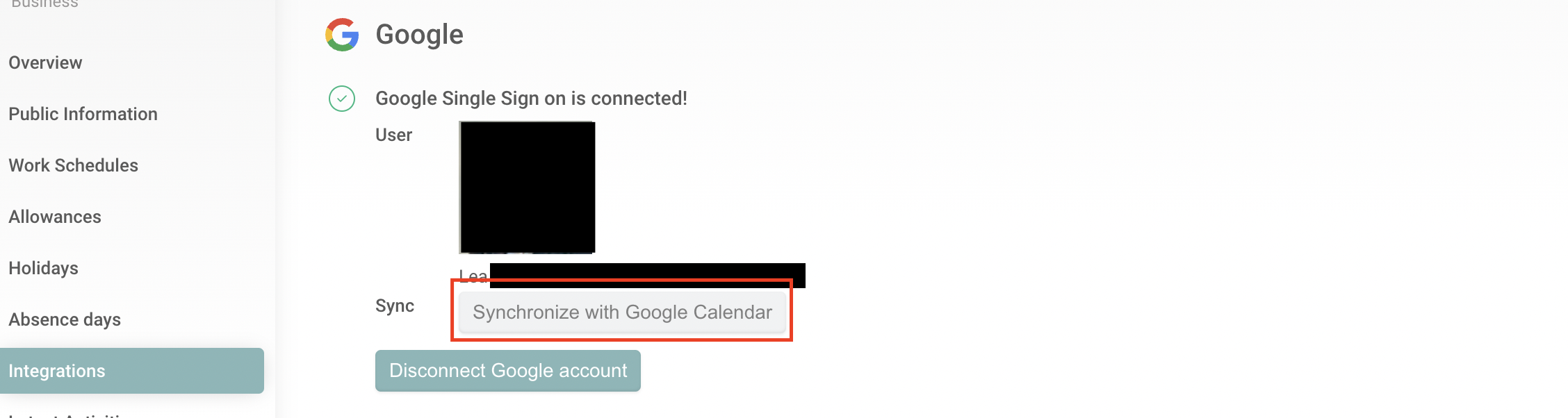
4. Click on the button "synchronize with calendar"
Troubleshooting Option 2:
If the first option didn't help, please contact one of your admins to help with this second option.
1. As an admin go to settings > integrations and deactivate the global integration
Don't worry, this will not affect users who have a working integration
2. Delete Cookies and Cache
3. Activate the connection again
4. Follow the steps from Option 1 within the users profile
Hopefully it works again! If not, please contact support@absence.io
Your team from absence.io