.png?width=210&height=44&name=Design%20ohne%20Titel%20(2).png)
Users lost their invite? Or maybe you haven't sent it yet and now you're wondering how to send/resend an invitation for absence.io?
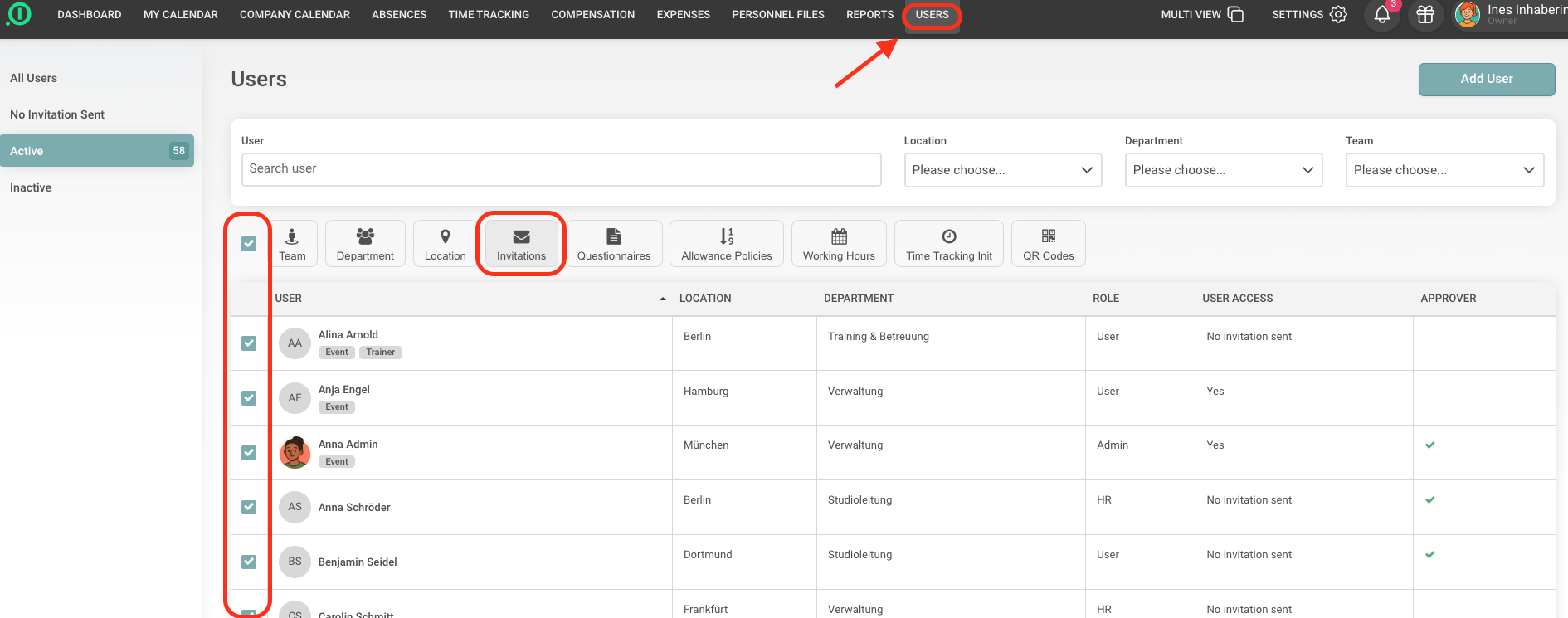
To resend invitations to users, go to the "Users" page and select the user(s) you want to invite again. Using the button in the middle at the top, you can send multiple invitations at once.
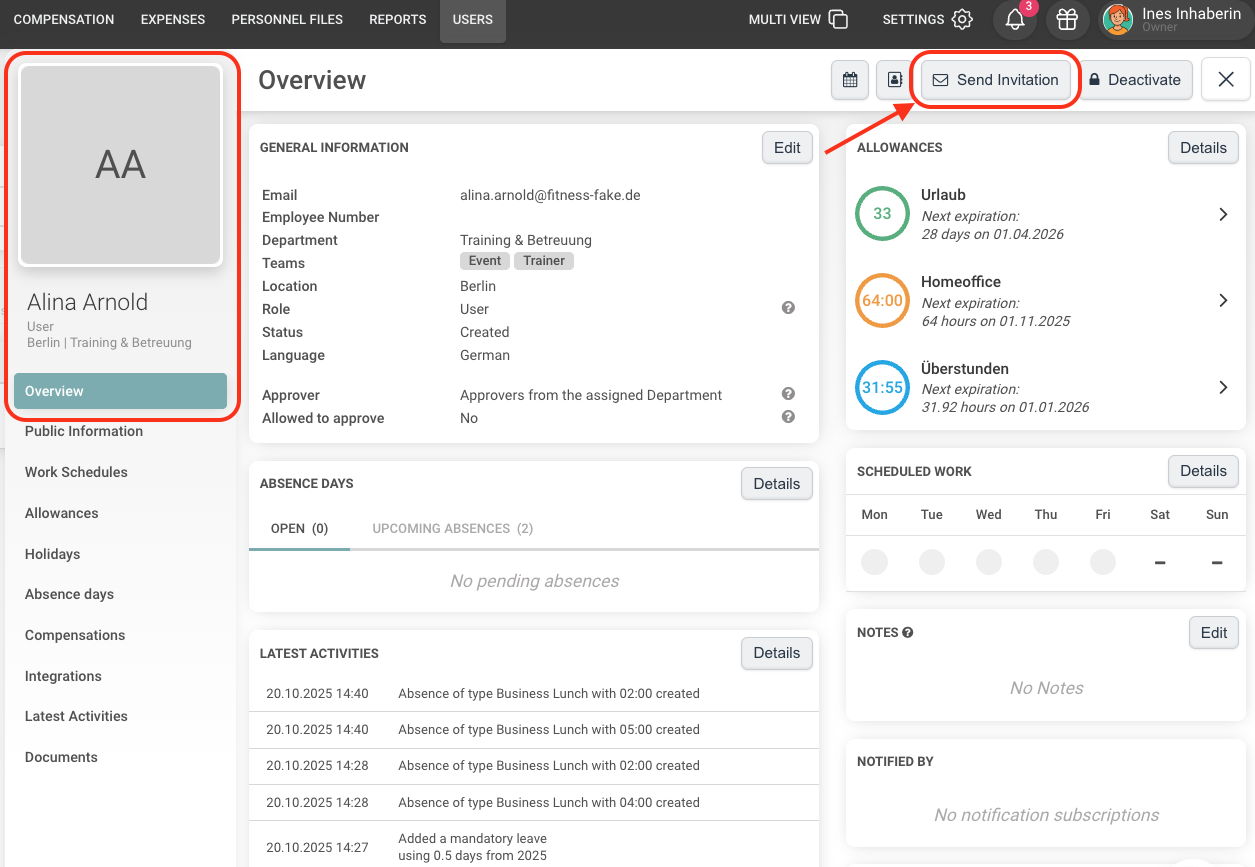
For individual employees, you can also go to the employee's profile and click the "Send invitation" button at the top right of the profile overview.
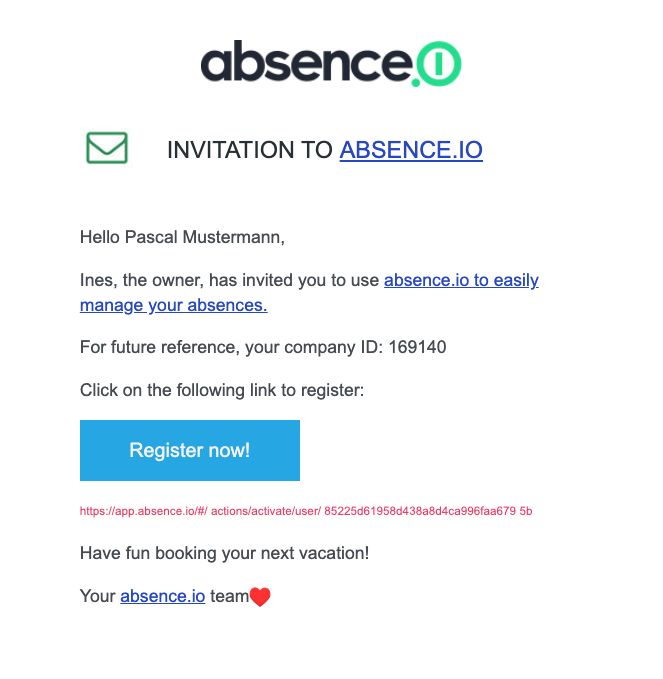
In both cases, an invitation email will be sent to the user, allowing them to set up their absence.io account.
Your absence.io team